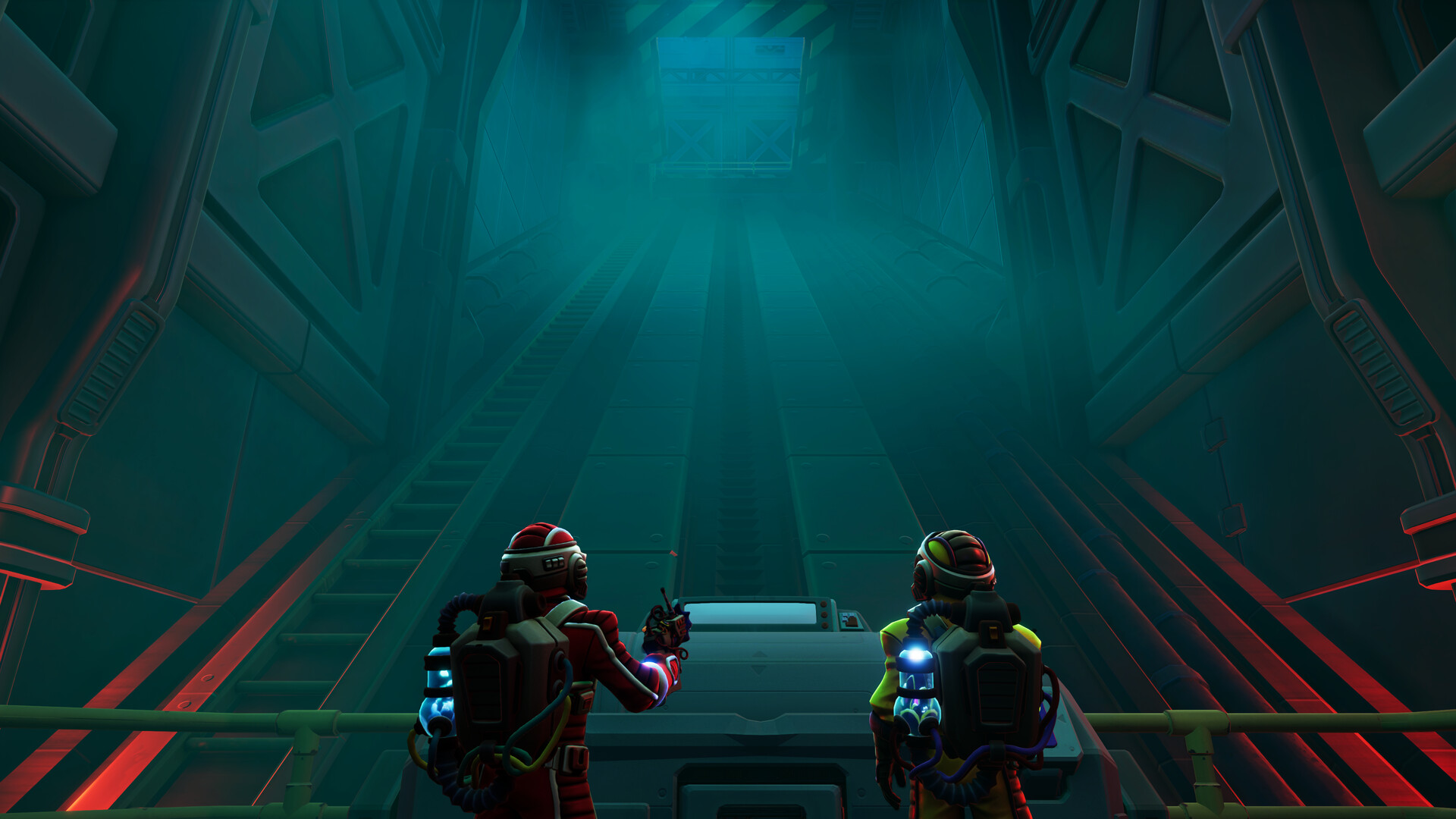
Start Together and Share Your Clues
To start We Were Here Tomorrow, both players need access to the full game, an internet connection and working microphones; join through a direct friend invitation or an available public lobby. Use your Walkie-Talkies to exchange clues, then divide obstacles between the Hook Gun's pulling and grappling abilities and the Goop Gun's cubes.
What Both Players Need Before Joining
We Were Here Tomorrow is co-op only and requires exactly two online players with access to the full game. Both need an internet connection and working microphones; on PC, the microphone must be PC-compatible. Check that your microphone is ready before joining, so you can begin communicating as soon as the session starts.
PS5 online play requires PlayStation Plus, while Xbox console online play requires a qualifying multiplayer subscription. On Steam, use the full game's listing when preparing to play. The We Were Here Tomorrow demo has a separate product listing, so check which game you are opening.
Join a Session and Check Your Walkie-Talkies
- Join through a direct friend invitation or an available public lobby to enter an online session with another explorer.
- Test your Walkie-Talkie with your partner so you can check that your clue descriptions are getting through clearly.
- Take turns transmitting through the Walkie-Talkies so your partner can listen while you describe what you see.
Keep your opening radio check simple: describe something visible and ask your partner to repeat the useful detail. Agree on a clear way to signal that you have finished speaking. That gives you a communication routine before you need to explain an unfamiliar symbol or coordinate an interaction.
How the Walkie-Talkie, Hook Gun and Goop Gun Help
The explorers see different parts of the puzzles, and their equipment gives them different ways to help each other. The prototype tools become available after the shrinking laboratory. Describe the obstacle before deciding who should act, rather than assuming your partner can perform the same interaction.
| Tool | How It Helps Your Partner |
|---|---|
| Walkie-Talkie | Describe clues your partner cannot see and listen to their instructions. Take turns speaking so the complete message can be heard. |
| Hook Gun | Pull compatible mechanisms, interact with distant objects and grapple to designated points. Its uses also include linking energy sources. |
| Goop Gun | Create cubes to support climbing and activate pressure-based devices. Apply its cube effect to your partner when a switch needs their effective weight increased. |
A separate cube on an ordinary pressure plate and a cube effect applied directly to an explorer solve different weight requirements. If a puzzle needs a heavier explorer, the explorer is the object being weighted. Agree with your partner before removing the effect so you can coordinate the next movement.
Work Through the Prototype Door Requirements
- Trace a colored cable from the door to its connected device to identify the mechanism that needs your attention.
- Activate the connected device with the appropriate tool so its requirement registers toward opening the doorway.
- Recall an existing Goop Gun cube when the deployment limit blocks another placement, freeing capacity for the next target.
- Inspect any inactive door indicator to find the remaining requirement instead of repeating an interaction that has already registered.
Use Room Clues Without Copying Solutions
Start each puzzle by establishing who can see the instructions and who can reach the controls. Agree on directions and describe visible symbols, colors, labels and button positions before activating anything. For similar symbols, choose descriptions that capture their differences rather than relying on a vague nickname.
- Describe the current clue to your partner so they can identify the matching control or object in their area.
- Repeat the important description back before acting to catch a misunderstood shape, label or direction.
- Check the machine's acceptance indicators after the input to establish whether the requested action registered.
- Read the display again after a rejected symbol-console attempt, because the replacement symbols can require a different sequence.
Treat changing printer-grid patterns as information to communicate, rather than fixed codes to memorize. The explorers may also view that mechanism from opposing orientations, making the same movement look different on their screens. Establish your direction mapping with a test movement before trying to complete the pattern.
Resume Your Checkpoint and Recover From Problems
Use your current checkpoint when resuming the adventure. Before stopping, agree on a brief reminder of the clue you were following and the interaction you were trying to complete. Save swapping tool roles for a later run if you want to experience your partner's perspective.